PrimoSlider

Bootstrap Carousel Slider Plugin

PrimoSlider is a premium Bootstrap 5 carousel plugin for images, videos, and YouTube, featuring smooth transitions and customizable options. It works without jQuery and supports responsive layouts across all devices and browsers. This clean, creative, and corporate HTML5/CSS3 slider allows you to showcase content with ease.


Service About

PrimoSlider is a premium Bootstrap 5 carousel plugin that integrates images, videos, and YouTube content with smooth transitions and full responsiveness across all devices and browsers. It works without jQuery, supports multiple items, and offers easy customization with its clean, modern HTML5/CSS3 design. Ideal for corporate and creative sites, PrimoSlider provides a seamless user experience on desktops, tablets, and smartphones.

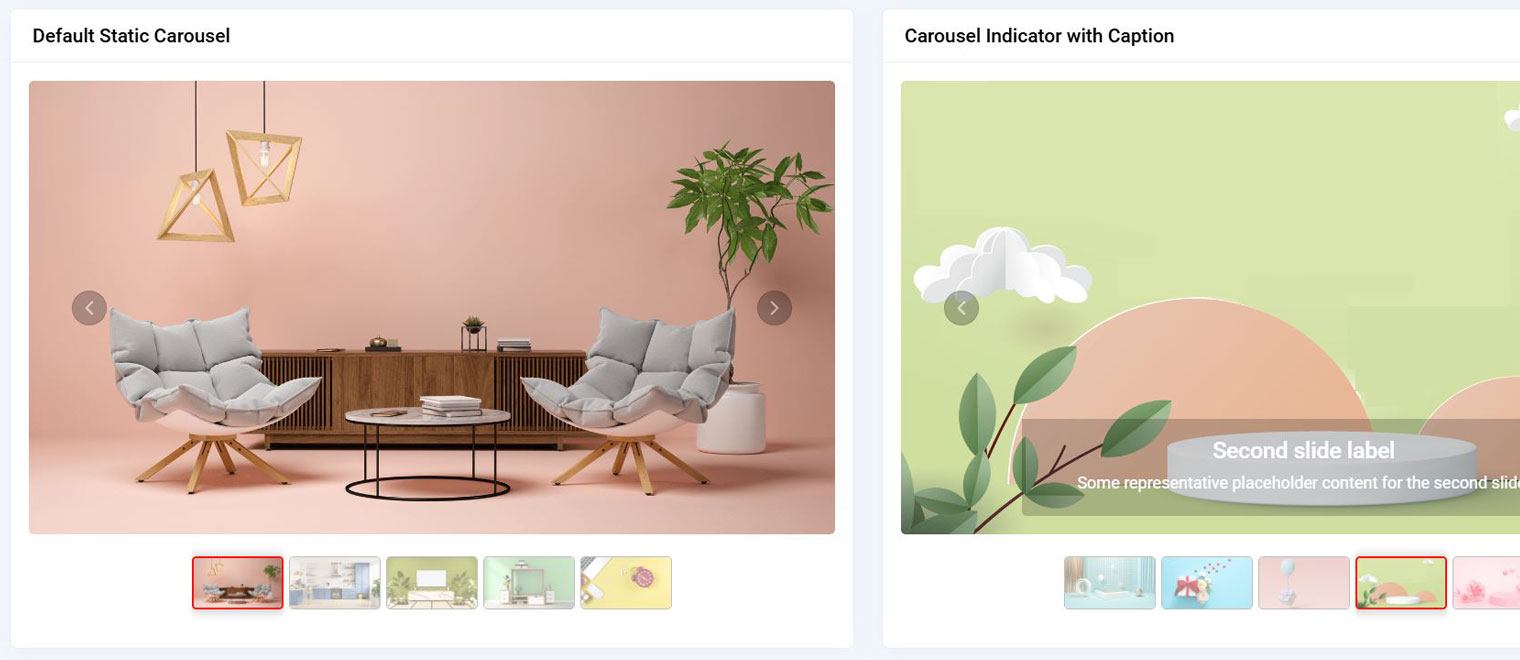
Default Static Carousel
Carousel Indicator with Caption
Carousel Indicator with No loop
Carousel Indicator with loop
Fade Carousel
Carousel Indicator with top thumbnail
Carousel Indicator with Dots
No Carousel Indicator
Carousel Indicator with Overlay
Carousel Indicator with Top Overlay
Hide thumb arrows
Hide top thumb arrows
Carousel Indicator default custom class
Carousel Indicator custom class with thumb style
Carousel Indicator with videos
Carousel Indicator with videos top thumb
Carousel Indicator with youtube videos
Carousel Indicator with youtube videos top thumb
Carousel Indicator with images and videos
Carousel Indicator with images and youtube videos
Primoslider supported video file formats
Carousel video with custom class
Media Support
Theme Settings

Shape

Buy PrimoSlider Today

Get ultimate Bootstrap Carousel customized Slider Plugin


MAIN FEATURES

PrimoSlider Plugin Main Features

Quality & Clean Code

PrimoSlider has a well-structured, clean, and commented codebase.

Multiple Demos

Includes multiple demo variations within the template.

Bootstrap 5 Framework

Fully responsive and built on the Bootstrap 5 framework.

No jQuery

Completely free of jQuery dependencies.

Easy to Use

Simple to set up, customize, and integrate.

Documentation

Comes with detailed documentation for easy setup and use.

RTL Support

Offers full right-to-left (RTL) language support.

Thumbnail Style Options

Provides sliders with and without thumbnail options.

Customizable Indicators

Easily change thumbnail styles using custom classes.

Touch Swipe

Touch swipe support for smooth mobile interactions.

Loop Options

Available with or without a loop.

Overlay Options

Thumbnails can overlay on the slider, with an option to overlay on top.

Video Support

Allows integration of video formats like .mp4, .mov, .webm, .ogg, and YouTube videos.

Custom Class for Slider Videos

Customize video sliders with custom classes.

Arrow Controls

Option to hide or display arrows for thumbnails.

Fade Style

Supports fade transition style for smooth effects.

Dot Indicators

Comes with dot indicators for navigation.

Caption Support

Allows adding captions to sliders.